Choose by Buyer Workflow
The first catalog is not split by region. Select by distributor, contractor, premium room, or OEM workflow, then choose Essential, Signature, or Premium models.
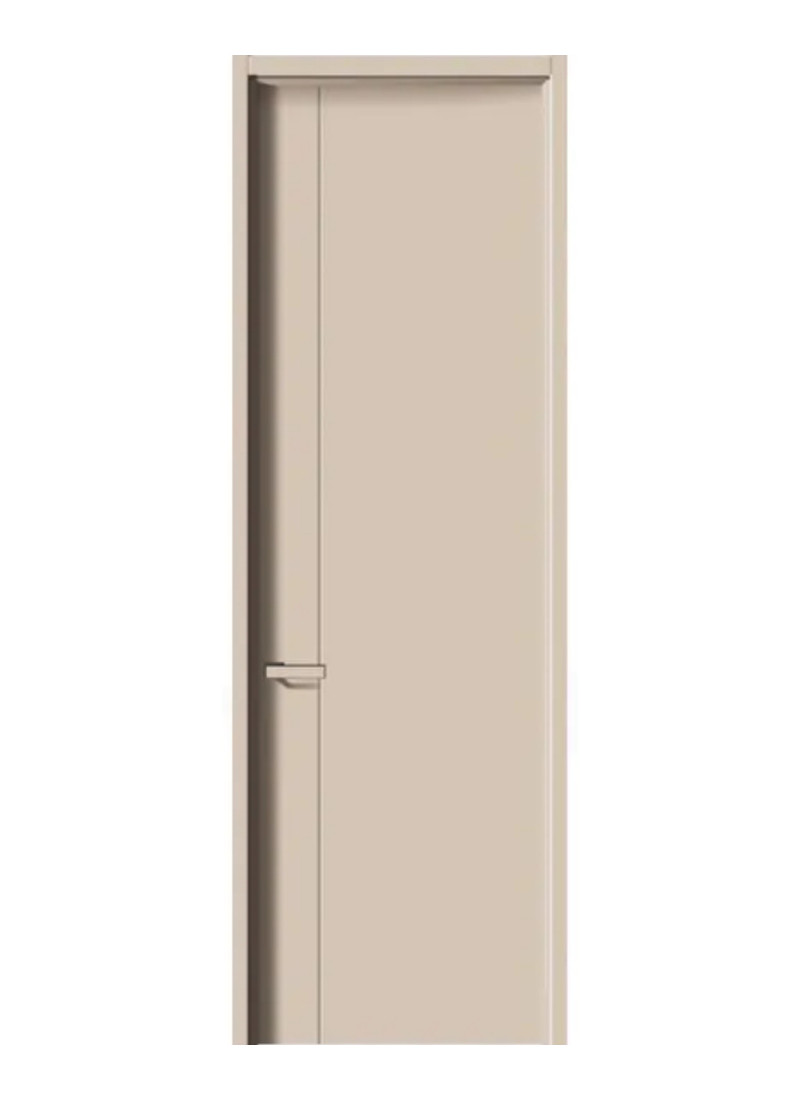
Distributor Catalog Setup
Build a compact local catalog with Essential, Signature, and Premium choices without overwhelming buyers with too many models.
Selection Points
Recommended Lines
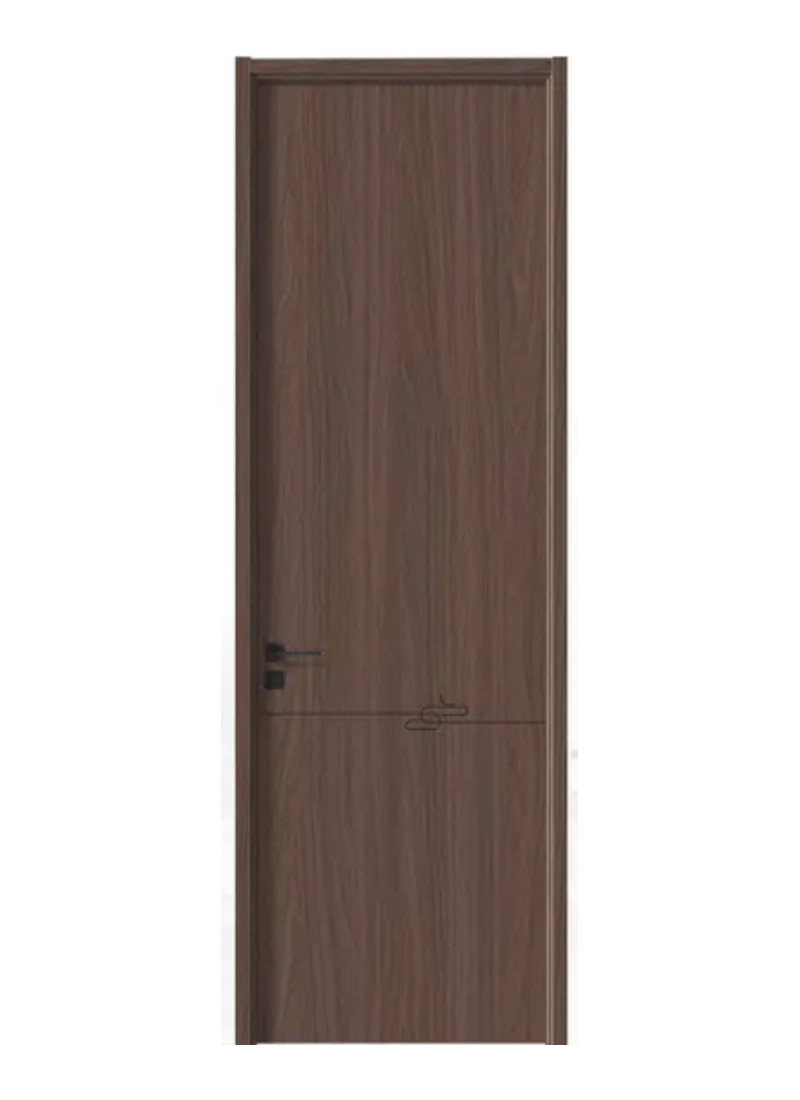
Apartment & Contractor Supply
Use no-paint models as the scalable base line, then add selected Signature or Premium models for public areas and sample rooms.
Selection Points
Recommended Lines
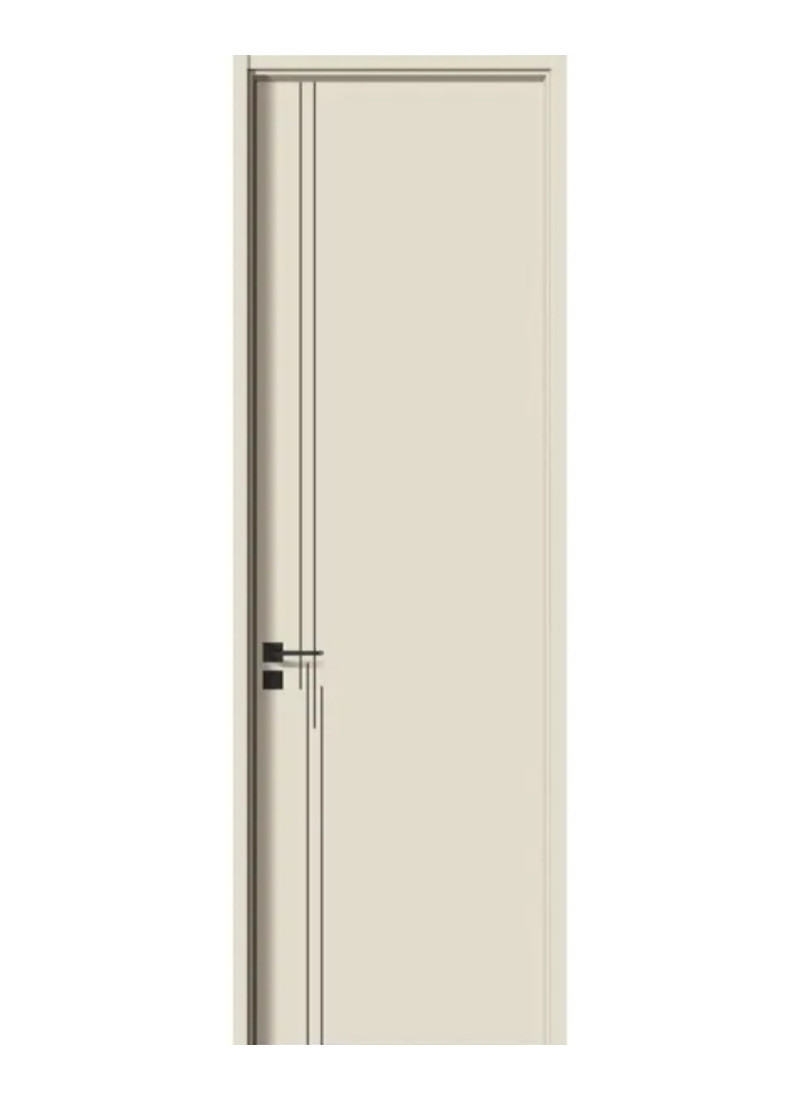
Hotel, Villa & Premium Rooms
Use Signature and Premium no-paint models, arched panels, richer walnut tones, and soft color boards where visual memory and interior design value matter more.
Selection Points
Recommended Lines
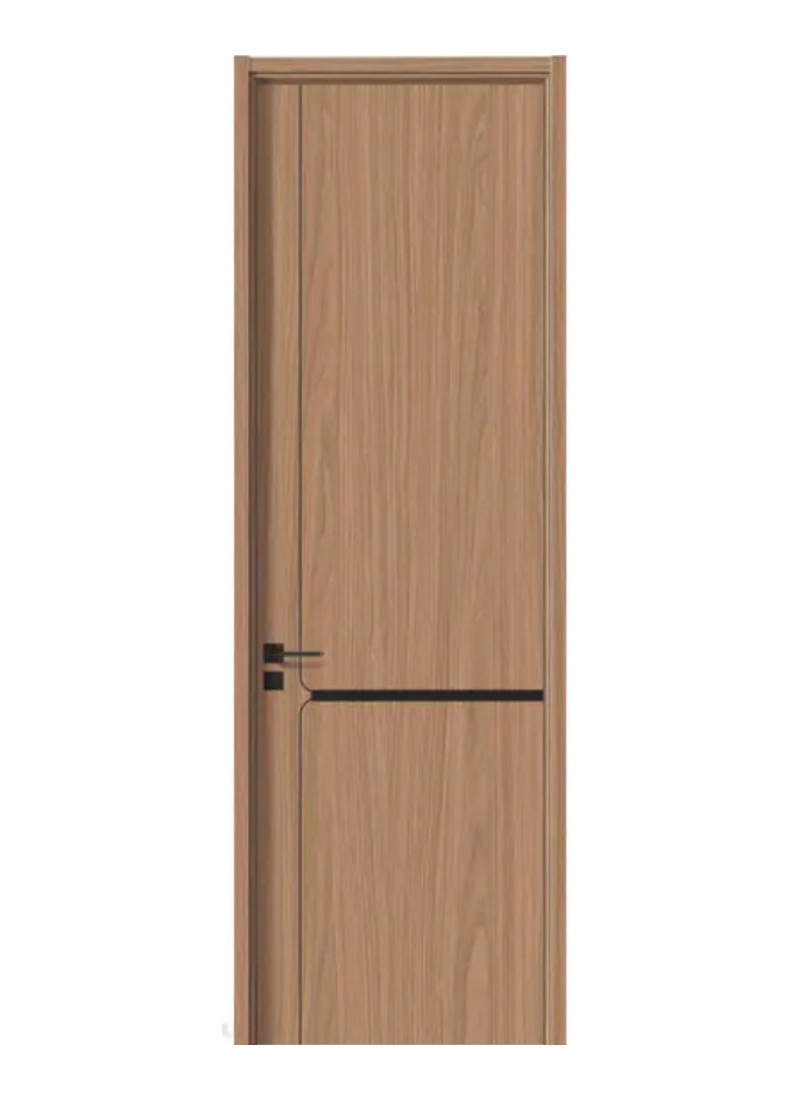
Private-Label Program
Start from the 16-model base, then adapt naming, finish boards, handle options, packaging labels, and catalog copy for the buyer's local market.
Selection Points
Recommended Lines
Need a Market-Specific Selection?
Send the target market, buyer type, budget tier, finish preference, and estimated quantity. We can narrow the 16 models into a smaller quote-ready set.